Navigate the world of virtual staging apps with our comprehensive guide tailored for real estate professionals.

Sophie
Featured
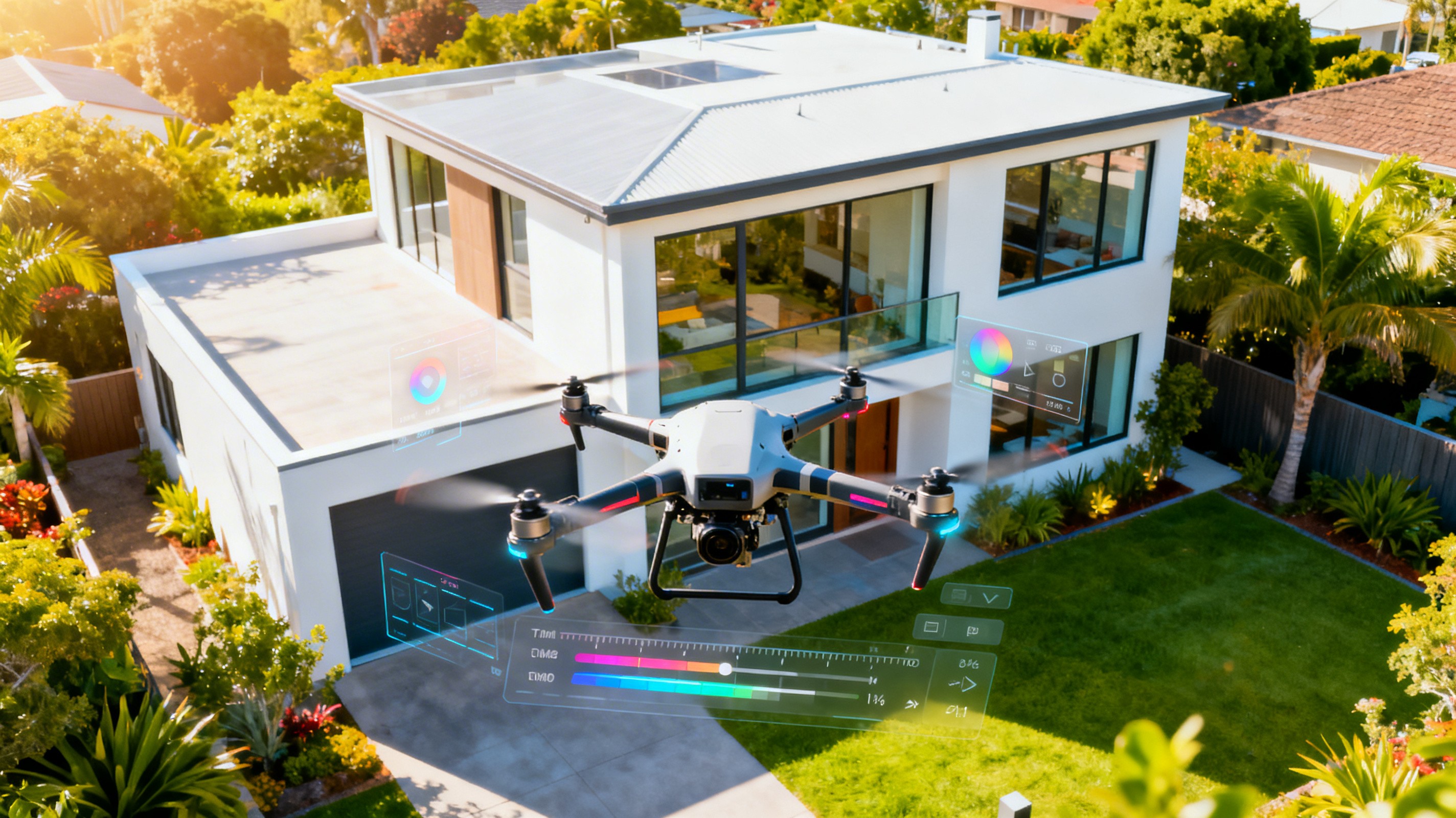
The Ultimate Guide to Choosing the Best Virtual Staging App for Real Estate Professionals
In the competitive landscape of real estate, visual appeal is crucial. Virtual staging has revolutionized how properties are presented, allowing agents to enhance listings and attract potential buyers without the costs of traditional staging. But with countless applications on the market, choosing the best virtual staging app can be overwhelming. This guide will provide you with essential insights to make an informed decision, ensuring your properties stand out in a crowded marketplace.
Direct Answer Summary
When selecting the best virtual staging app, consider factors like ease of use, customization options, pricing, and integration capabilities. Apps like BetterSpace offer unique features tailored for real estate professionals, making them ideal for enhancing property listings.
Understanding Virtual Staging
Virtual staging involves digitally furnishing and decorating an empty space in real estate photos to create an inviting atmosphere. This technology not only saves time and money but also allows for limitless creativity to appeal to various buyer demographics.
Why Use a Virtual Staging App?
Cost Efficiency: Traditional staging can be expensive, often requiring significant investment in furniture and decor. Virtual staging apps provide a budget-friendly alternative.
Time-Saving: Physical staging requires coordination and logistics; virtual staging can be completed quickly, allowing for faster listing turnaround.
Enhanced Visual Appeal: With high-quality images, potential buyers can envision themselves in the space, increasing the likelihood of a sale.
Key Features to Look for in the Best Virtual Staging App
When evaluating virtual staging apps, consider the following features:
1. User-Friendly Interface
A straightforward interface allows users to navigate the app easily, making it efficient to create stunning visuals without extensive training.
2. Customization Options
Look for apps that offer a wide range of furniture and decor styles, as well as the ability to adjust colors, textures, and layouts to suit your target audience.
3. Image Quality
High-resolution images are essential. The app should provide photorealistic results that enhance the property’s appeal.
4. Integration Capabilities
Ensure the app can integrate smoothly with your existing real estate tools and platforms, such as MLS systems and social media channels.
5. Customer Support
Responsive customer service can make a significant difference, especially when troubleshooting or seeking guidance on using the app effectively.
Comparison of Popular Virtual Staging Apps
Here’s a comparison of some leading virtual staging apps:
Feature | BetterSpace | Virtual Stager | BoxBrownie | Homestyler |
|---|---|---|---|---|
User-Friendly Interface | Yes | Yes | Moderate | Yes |
Customization Options | Extensive | Moderate | Extensive | Limited |
Image Quality | High | Moderate | High | Moderate |
Pricing | Subscription-based | Pay-per-image | Subscription-based | Free with limits |
Integration Capabilities | Yes | Limited | Yes | No |
Customer Support | Excellent | Good | Fair | Limited |
How to Get Started with Virtual Staging
Assess Your Needs: Determine the properties you want to stage and the target audience.
Explore Different Apps: Take advantage of free trials to test various apps and their features.
Create a Portfolio: Use staged images to build a portfolio that showcases your capabilities to potential clients.
Market Your Staged Listings: Utilize social media and MLS listings to highlight your staged properties, emphasizing the enhanced visual appeal.
Key Takeaways
Virtual staging is a cost-effective and efficient way to enhance real estate listings.
Look for user-friendly apps with extensive customization options and high image quality.
Integration capabilities and customer support play significant roles in the effectiveness of a virtual staging app.
Testing multiple apps through trials can help you find the best fit for your needs.
Frequently Asked Questions
1. What is virtual staging?
Virtual staging is the digital process of furnishing and decorating real estate photos to enhance their appeal and help potential buyers visualize the space.
2. How much does virtual staging cost?
Costs vary by app; some charge per image while others offer subscription plans. It's essential to compare features to find the best value.
3. Can I use virtual staging for all types of properties?
Yes, virtual staging can be applied to residential and commercial properties alike, making it a versatile tool for real estate professionals.
4. How long does it take to stage a photo virtually?
Most virtual staging apps can produce staged images within hours, depending on the complexity of the project and the app's capabilities.
5. Is virtual staging effective in selling properties?
Yes, studies have shown that properties that are virtually staged sell faster and for higher prices compared to those that are not staged.
By understanding the key features and benefits of virtual staging apps, real estate professionals can leverage this technology to enhance their listings and appeal to buyers effectively. BetterSpace.ai stands out among the options by offering an intuitive platform that transforms static images into engaging, social-ready videos, making it a top choice for modern real estate marketing.