How to Create a Real Estate Video from Photos (Without Filming Anything)
Create a professional real estate video from your listing photos in under 10 minutes using AI. No camera, no editing software, no video skills needed. Step-by-step guide for 2026.
· Sophie
How TosYou already have everything you need to create a professional real estate listing video. You do not need a camera, a videographer, or any editing experience. You need your listing photos — the same ones you are already uploading to the MLS.
AI-powered tools like BetterSpace turn those photos into a polished, music-backed property video in under 10 minutes. Here is exactly how it works.
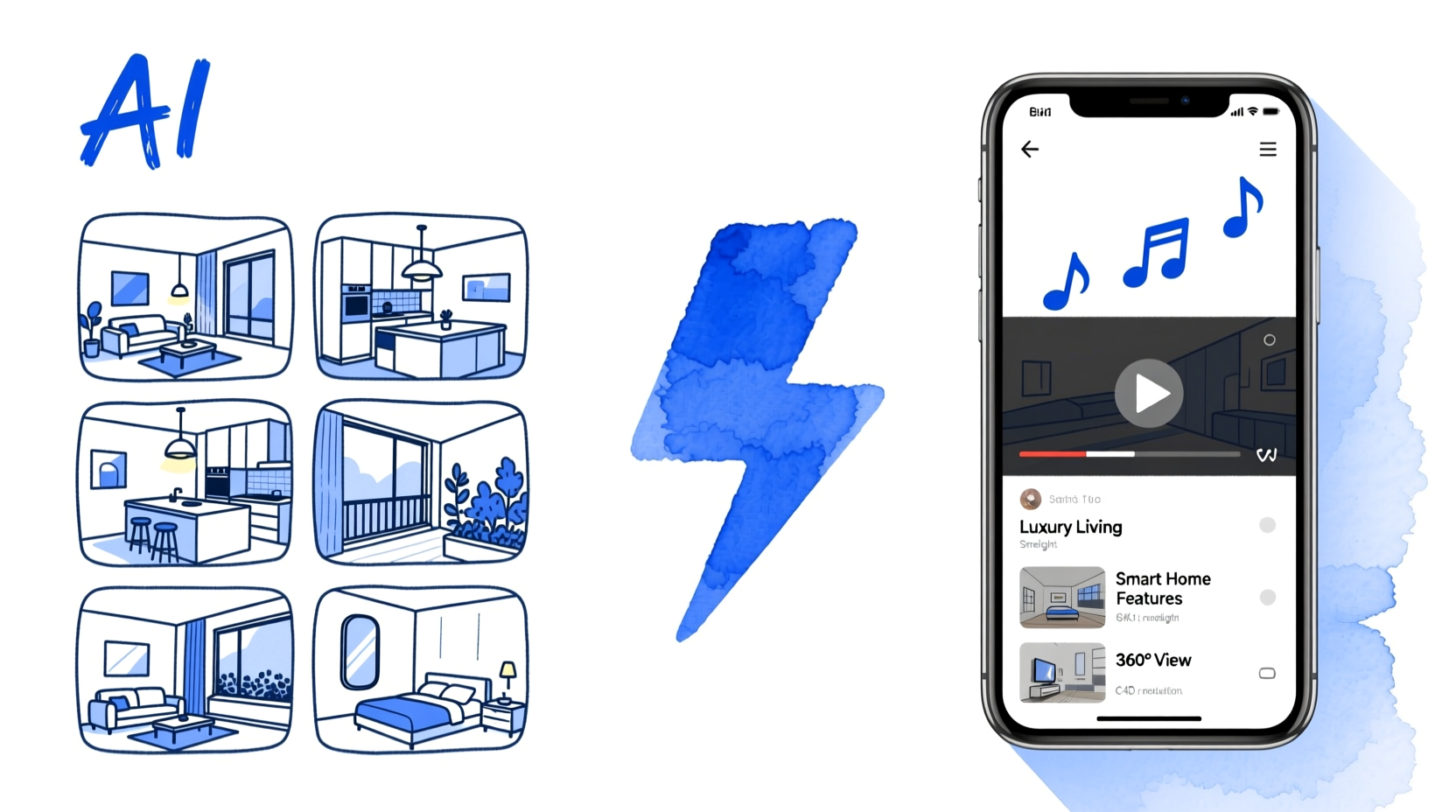
Why Create a Video from Photos Instead of Filming?
The obvious reason is time — filming and editing a property video takes 3–6 hours. An AI photo-based video takes 10–20 minutes.
But there are several other practical reasons agents prefer working from photos:
You already have the photos. Every listing already has a professional photo shoot. AI tools use those exact images — no second visit to the property is needed.
Consistent quality across all listings. A filmed tour depends on the videographer’s skill and the day’s lighting. AI video from professional photos delivers consistent quality on every listing, from a $250,000 condo to a $1.5M family home.
No scheduling. Booking a videographer adds 3–7 days to your listing timeline. Photo-based video can go live on listing day.
Works for empty properties. An empty room is always better when virtually staged before the video is created. BetterSpace lets you stage rooms and generate the video in the same workflow.
Cheaper at scale. A professional video costs $300–$1,500 per listing. AI photo-based video costs $0–$19/month for unlimited listings.
How to Create a Real Estate Video from Photos: Step by Step
Step 1: Gather and organise your listing photos
You need:
- 15–30 high-resolution photos (JPG, typically from your photographer’s delivery)
- Logical ordering: exterior front first, then major living areas, kitchen, bedrooms, bathrooms, outdoor spaces, neighbourhood shot last
The AI will adjust the sequence intelligently, but starting in order saves a review step.
Photo quality checklist:
- All lights on and blinds open in every room
- No personal items on surfaces
- At least 3 exterior shots (front, rear, street view)
- Close-up detail shots of key features (kitchen island, fireplace, view from window)
Step 2: Upload to BetterSpace
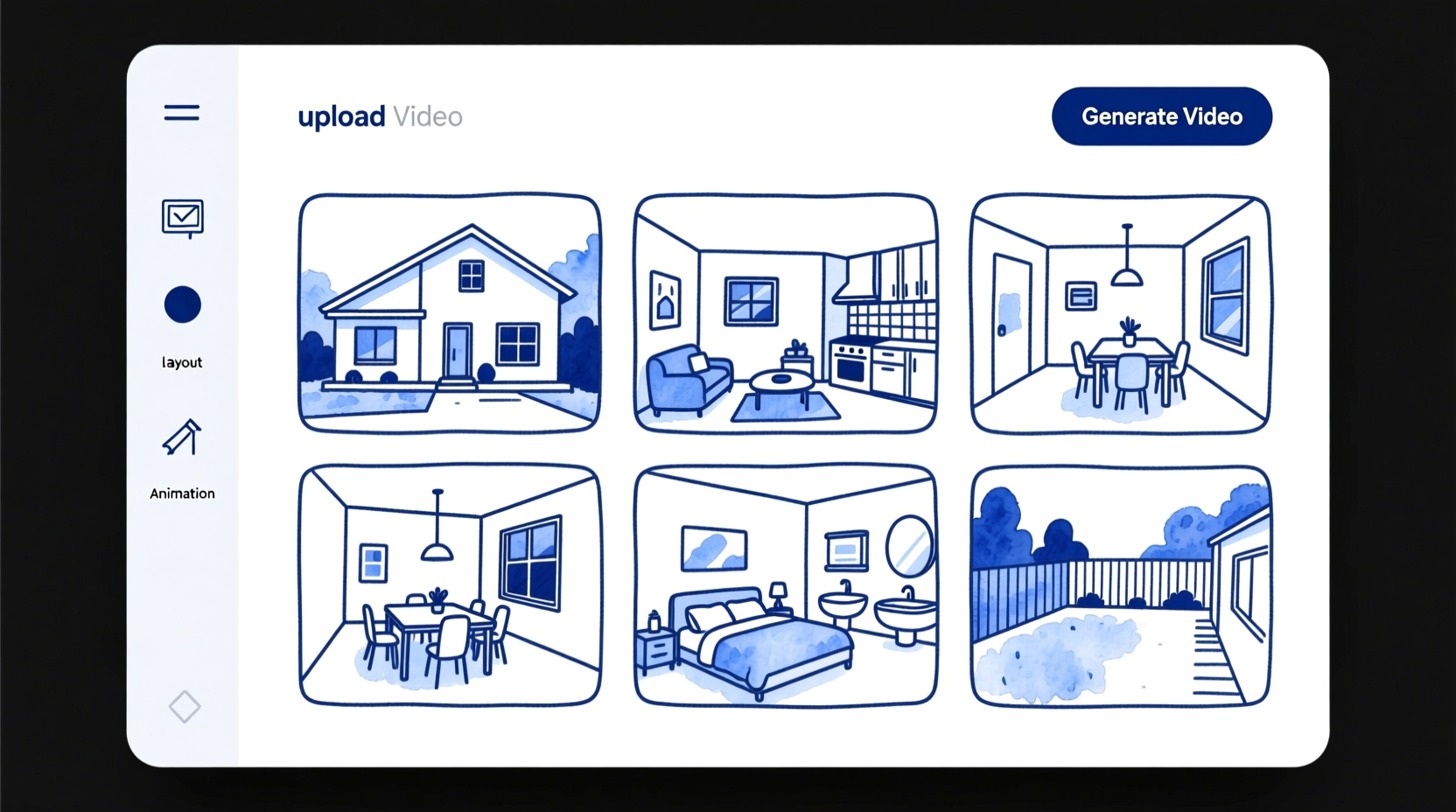
Go to BetterSpace and create a new listing project. Drag and drop your photos. The platform accepts JPG and PNG files.
If any rooms are empty and you want them furnished before the video, BetterSpace’s virtual staging tool handles this in the same workflow — stage first, then generate the video.
Step 3: Choose a visual style and music
Select a style that matches the property’s feel:
| Style | Best for | Music character |
|---|---|---|
| Contemporary | Modern apartments, inner-city homes | Clean, minimal, upbeat |
| Warm | Family homes, character properties | Soft acoustic, inviting |
| Luxury | Prestige properties $1M+ | Orchestral, elegant, slow-paced |
| Coastal | Beach properties, holiday homes | Light, airy, uplifting |
The music library is fully licensed for commercial real estate use — no copyright claims when you post to Instagram, YouTube, or TikTok.
Step 4: Add text overlays (optional but recommended)
Add the key property stats as on-screen text:
- Property address
- Beds / baths
- Price (or “Price on application” for luxury)
- Your name and contact number
- A call to action: “Book a viewing — link in bio”
This is essential for videos viewed without sound. 85% of social video is watched muted — text overlays ensure buyers get the information regardless.
Step 5: Generate and review (3 minutes)
Click Generate. BetterSpace applies:
- Ken Burns motion effects to each photo (gentle pans and zooms that create the impression of camera movement through the space)
- Scene timing matched to the music’s rhythm
- Transitions between rooms
- Text animations for your overlays
Watch the preview. If a photo order feels wrong or a particular image isn’t working in the sequence, swap it and regenerate. Most listings need one or two iterations.
Step 6: Export for every platform
Export your finished video in:
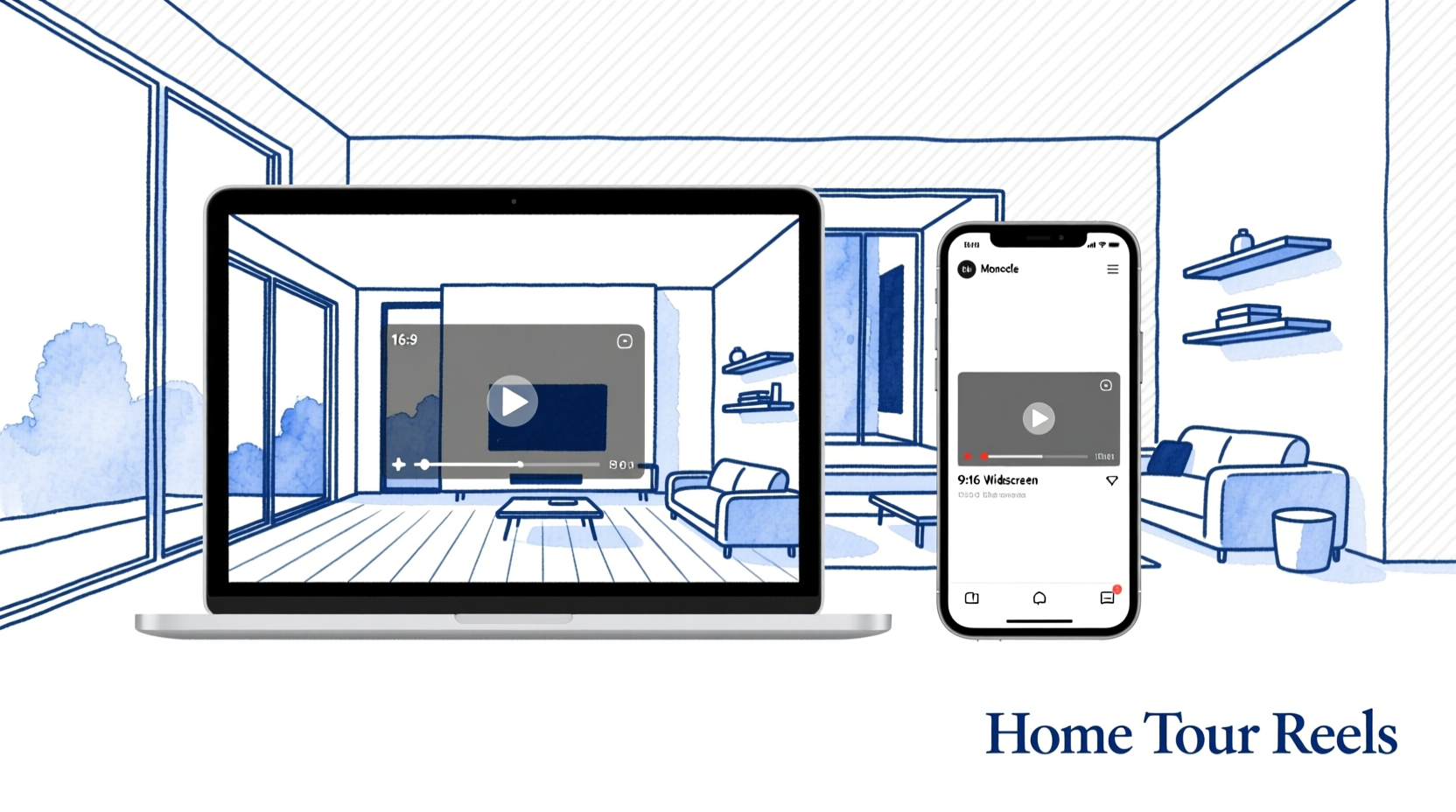
- 16:9 landscape — for MLS portals, your website, email marketing, YouTube, and Facebook
- 9:16 vertical — for Instagram Reels, TikTok, and YouTube Shorts
Both exports come from the same project in one click. No separate projects or re-editing needed.
Total time for Steps 1–6: 10–20 minutes.
What the AI Actually Does to Your Photos
Understanding the AI process helps you provide better input photos.
Motion effects: The AI applies realistic camera movement — slow zooms into a kitchen detail, gentle pans across a living room, a subtle tilt up on an exterior shot. This eliminates the flat “photo slideshow” look and creates genuine visual engagement.
Scene sequencing: The AI analyses your photos and suggests a logical room-by-room flow. It groups related images (several kitchen shots together, bedroom and ensuite adjacent) and creates a narrative arc with the exterior as the opening and a CTA or contact frame as the close.
Music synchronisation: Scene cuts are timed to the music’s beat and key moments. The AI adjusts how long each scene holds based on the music tempo and the visual complexity of the photo.
Colour matching: The AI applies subtle colour grading to ensure consistency across photos shot at different times of day or with varying room lighting.
Before and After: What Photo-Based Video Looks Like
| Without video | With AI photo video |
|---|---|
| 15 photos in a static gallery scroll | 90-second video tour with cinematic motion |
| Average time on listing: ~45 seconds | Average time on listing: 3–4 minutes |
| MLS only | MLS + Instagram Reels + TikTok + YouTube |
| 8 enquiries average per listing | 40 enquiries average (403% more with video) |
What Not to Do
Don’t use low-resolution or dark photos. The AI can enhance slightly, but cannot fix fundamentally poor photography. A dark room remains dark. Always start with professional listing photos.
Don’t skip text overlays. A beautiful video with no property information gives the viewer nowhere to go. Always include at least the address, beds/baths, and a contact prompt.
Don’t only export in one format. Agents who only export 16:9 miss all vertical platform reach. Always export both formats — it takes 30 extra seconds.
Don’t wait until week 2 to post. The best engagement window for a new listing is the first 48 hours. Create and post the video on listing day.
Key Takeaways
- AI tools like BetterSpace create professional real estate videos from still photos in 10–20 minutes with no filming or editing skills required
- Start with 15–30 high-quality listing photos; the AI handles motion, sequencing, music, and timing
- Export both 16:9 (MLS, YouTube, email) and 9:16 (Reels, TikTok) from the same project
- Add text overlays — 85% of social video is watched muted, so on-screen stats are essential
- Post on listing day, not after — the first 48 hours generate the most organic reach
Create your first real estate video from photos — free. BetterSpace’s free plan includes one AI listing video per month, no credit card required. Upload your listing photos and have a video ready to post in 15 minutes.
Related reading
Frequently asked questions
-
Can you create a real estate video from photos only, without filming?
Yes. AI-powered tools like BetterSpace generate professional real estate listing videos from still photos. The AI applies cinematic motion effects (Ken Burns pans, zooms), sequences the scenes, adds music, and optionally adds voiceover narration — all from your existing listing photos. No camera or video filming is required. -
What app turns real estate photos into a video?
BetterSpace is purpose-built to turn real estate listing photos into property videos. Upload your photos, choose a style and music, and the AI generates a polished listing video in under 10 minutes. It exports both horizontal (16:9) for MLS and website, and vertical (9:16) for Instagram Reels and TikTok from a single upload. -
How many photos do you need to make a real estate video?
You can create a basic real estate video with as few as 8 photos. For a complete listing tour video, 15–30 photos is ideal — covering the exterior, all major rooms, key features, and at least one neighbourhood shot. More photos give the AI more to work with, but quality of photos matters more than quantity. -
How long does it take to create a real estate video from photos?
With an AI tool like BetterSpace, creating a real estate video from photos takes 10–20 minutes from upload to finished export. This includes uploading photos, selecting a style and music, adding any text overlays or voiceover, reviewing the output, and exporting in multiple formats. -
Is a photo-based real estate video as good as a filmed video?
For the vast majority of residential listings, AI-generated photo-based videos are indistinguishable from filmed videos at typical social media and MLS viewing sizes. The AI applies realistic motion effects that give the impression of camera movement through the space. Filmed videos add value for luxury properties (typically $1.5M+) where cinematic drone and gimbal footage is a buyer expectation. -
Does a video made from photos help sell a property faster?
Yes. According to the National Association of Realtors, listings with video receive 403% more enquiries than photo-only listings. This applies to AI-generated photo-based videos as well as filmed videos — the key driver is having video content at all, which dramatically increases listing visibility on social media and keeps buyers on the listing longer.