Product: BetterSpace · 2026 buyer's guide · 8 tools tested

The best AI video editor for real estate listings (2026)

We tested 8 AI video editors on real listing photos. BetterSpace wins for most agents: faster, cheaper, and no timeline editing required.

Bottom line: BetterSpace is the fastest, lowest-cost way to add professional video to every residential listing, no timeline editing, free to start.
  • 8 tools compared
  • Free to start
  • No timeline editing

No credit card required to start.

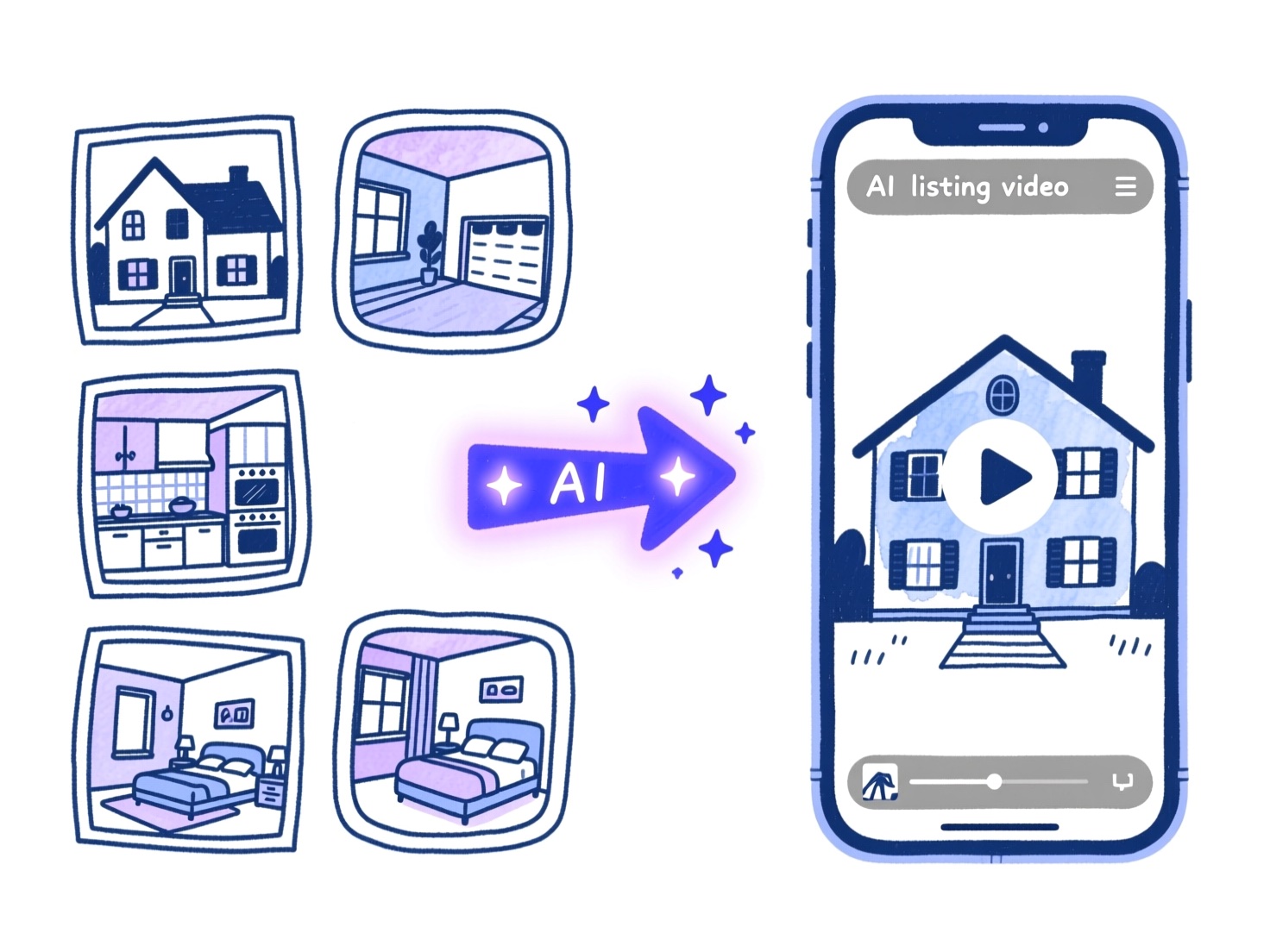
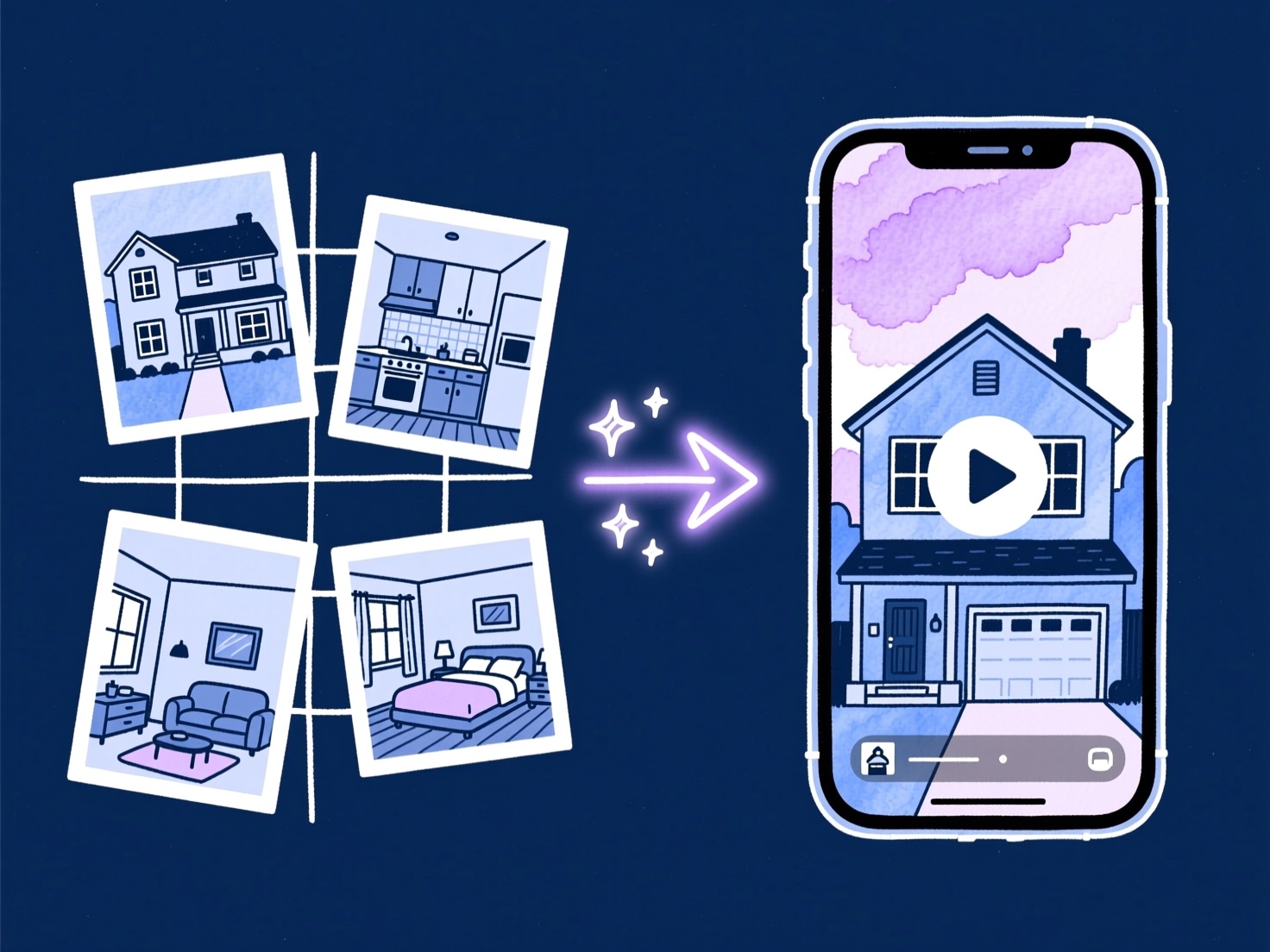
Illustration of listing photos transformed by AI into a buyer-ready real estate walkthrough video on a phone
Upload listing stills. Get a buyer-ready walkthrough video.

Quick picks

Best AI video editor by use case

  • #1 Overall

    BetterSpace

    Best for listing agents who need professional video on every address. No timeline. Free plan: 1 video per month.

    Try free
  • Best free option

    Canva or CapCut

    Best free tools for occasional video or agents who enjoy manual editing. Template-based, not AI-automated.

    See comparison
  • Best for teams

    BetterSpace Teams

    Consistent brand output across agents and offices without adding headcount or waiting on a video editor.

    Try free
  • Best for photographers

    BetterSpace

    Offer video as part of your shoot package without adding editing time. Upload the gallery at handoff and deliver video the same day.

    Try free

Full comparison

8 AI video editors for real estate, compared

Tested on the same 15 listing photos. Ranked by what matters most for property marketing.

Tool Category Starting price Time to video AI motion Auto-captions Social formats MLS-ready Free option
#1 BetterSpace AI generator From $19/mo (multiple videos) Under 5 min Multiple
vProp AI generator From $19/video 3-5 min 9:16 + 16:9
AutoReel AI generator Free tier / from $30/mo 5-15 min Multiple
Canva Template-based Free / $13/mo 15-45 min Multiple
CapCut Manual editor Free 20-60 min ~ Multiple
Animoto Template-based $8/mo 15-30 min Multiple
InVideo Template-based $25/mo 20-45 min Multiple
Adobe Premiere Pro NLE $23/mo (CC) 2-8 hours Yes (manual)

Prices as of May 2026. Time to video assumes 15 listing photos and no manual editing.

BetterSpace ranked #1 across all categories.

Try it free

No credit card required.

How we tested

We tested each tool on the same set of 15 listing photos from a single-family home shoot — 4 exterior shots, 6 interior wide-angles, and 5 detail images. We measured time from upload to exportable video, assessed output quality on motion, scene order, audio quality, and social format availability, and recorded pricing at 1, 5, and 20 videos per month. No tool paid for inclusion or placement in this guide.

Tool reviews

8 AI video editors reviewed in depth

Each tool was tested on the same 15 listing photos. Pros, cons, and verdicts below.

BetterSpace AI real estate video editor — purpose-built for listing agents
#1 AI generator

BetterSpace: Best overall for listing agents

Try free
  • Free plan / from $19/mo (multiple videos)
  • Under 5 min
  • Free: Yes (1/mo)

BetterSpace is built from the ground up for one job: turning real estate listing photos into professional social and listing video. There is no generic creator workflow to navigate, no timeline to learn, and no separate export step to manage.

Upload your property gallery, and the AI assembles room-to-room pacing, transitions, music, and optional voiceover automatically. BetterSpace also auto-generates on-screen captions synced to the voiceover so the video is ready for silent viewing without any extra steps. Review the cut and export a buyer-ready video file. The free plan includes one listing video per month with no credit card required. Paid plans start at $19/month.

Best for

Agents and teams who want professional listing video on every address without hiring a videographer or learning an editor.

Pros

  • Purpose-built for listing photo workflows
  • No timeline editing required
  • Widely adopted by listing agents
  • Free plan: 1 video per month, no credit card needed
  • Paid plans from $19/month
  • Voiceover and music included
  • Auto-generated on-screen captions synced to voiceover

Cons

  • Less granular control than a traditional NLE for cinematic brand pieces

Verdict

Best pick for the majority of residential agents doing volume work.

#2 AI generator

vProp: Full-featured AI generator with portal integration

  • From $19/video
  • 3-5 min
  • Free: 7-day trial

vProp is an AI video platform built for real estate professionals that pulls listing photos directly from Zillow, Redfin, or Realtor.com by address, or you can upload your own gallery. The AI sequences scenes, adds beat-synced music, generates AI voiceover narration describing key property features, and applies branded templates automatically.

vProp also offers voice cloning so your videos feature your own voice, and an AI avatar presenter for agents who want an on-screen presence without filming. Pricing starts at $19 per video, with higher tiers for 4K output, credit rollover, and team seats.

Best for

Agents who want a full-featured tool with MLS auto-pull, AI narration, and the option to appear on screen without filming.

Pros

  • Auto-pull listing data from major portals (Zillow, Redfin, Realtor.com)
  • AI voiceover with optional voice cloning
  • AI avatar presenter option
  • Horizontal and vertical exports included
  • Captions and subtitles included

Cons

  • No permanent free plan (7-day trial only)
  • AI avatar feature can look less natural on lower plans
  • More features than many agents need

Verdict

Strong full-featured alternative when portal integration and narration matter most.

#3 AI generator

AutoReel: Best budget AI generator

  • Free tier / from $30/mo
  • 5-15 min
  • Free: Free tier

AutoReel targets agents who want automated video at the lowest possible entry price. It offers drone-style flyover simulations from standard listing photos, which no other tool in this roundup replicates, and a free tier for testing.

The trade-off is output consistency: results can vary across different property photo sets. For agents just starting with video or testing whether their market responds to listing video at all, it is a reasonable starting point.

Best for

Agents on a tight budget who want to test video before investing in a premium tool.

Pros

  • Lowest starting price in the AI generator category
  • Drone flyover simulation from standard photos
  • Free tier available
  • Paste-a-URL workflow from Zillow/Realtor.com
  • Auto-generated social captions per platform

Cons

  • Fewer workflow refinements than purpose-built tools
Verdict

Reasonable starting point for testing video marketing on a budget.

Canva video editor interface for real estate marketing and listing video templates
#4 Template-based

Canva: Best free template option

  • Free / $13/mo
  • 15-45 min
  • Free: Yes

Canva is the most widely used design tool in real estate marketing for a reason: the template library is enormous, the interface is approachable, and the free tier is genuinely useful. For social graphics, open house flyers, and simple animated posts, Canva is excellent.

For listing video specifically, Canva falls short. You are assembling scenes manually, not letting AI structure the tour. Music sync, room-to-room pacing, and MLS-compatible exports require manual effort that adds 20-45 minutes per property. If you already live in Canva and only need occasional listing clips, it works. If video is a regular part of your marketing, the time cost adds up.

Best for

Agents who need a versatile free tool for both graphics and light video work.

Pros

  • Free tier with broad template library
  • Familiar interface for marketing generalists
  • Good for social graphics alongside video
  • No per-listing pricing

Cons

  • No AI motion or automated scene structure
  • Manual assembly required for listing tours
  • No built-in MLS-ready export workflow
  • 15-45 minutes per video vs. minutes with AI generators

Verdict

Best when you already use Canva for graphics and only need occasional listing clips.

CapCut AI — free video editor
#5 Manual editor

CapCut: Best free editor for short-form creators

  • Free
  • 20-60 min
  • Free: Yes

CapCut has become the default short-form editing app for content creators, and real estate agents who enjoy editing have adopted it. Auto-captions, AI voiceover, trending audio, and a full timeline give you creative control on mobile or desktop for free.

The limitation for property marketing is that CapCut rewards editing skill and time investment. You are building the tour manually: arranging clips, setting transitions, syncing music beats, exporting separately for each platform. For agents who enjoy that process and have 30-60 minutes per listing, CapCut produces polished results. For agents who want automation, it is the wrong tool.

Best for

Agents who enjoy hands-on editing and want maximum control at no cost.

Pros

  • Free with strong feature set
  • AI auto-captions and voiceover
  • Full timeline with trending audio
  • Mobile and desktop apps

Cons

  • No automation: full manual assembly required
  • 20-60 minutes per listing video
  • No built-in MLS-compliant export mode
  • Steep learning curve for non-editors

Verdict

Best for agents who enjoy editing and have time to invest per listing.

Animoto logo — video marketing platform for real estate agents
#6 Template-based

Animoto: Most established template platform

  • $8/mo
  • 15-30 min
  • Free: Limited trial

Animoto is one of the oldest video marketing platforms in real estate and has a loyal agent base. The drag-and-drop interface is approachable, pricing starts low, and the platform integrates with several real estate CRMs.

The limitation in 2026 is the lack of AI motion. Animoto produces slideshows with pre-built animation styles, not cinematic property video. Beat sync is limited, and the output quality gap between Animoto and purpose-built AI generators is immediately visible side by side. For agents who need a simple, reliable tool for consistent branded content, Animoto is fine. For agents who want their listings to look like they hired a videographer, it falls short.

Best for

Agents who value simplicity and a proven platform over cutting-edge output quality.

Pros

  • Simple drag-and-drop interface
  • Established platform with CRM integrations
  • Affordable starting price
  • Good for branded social content

Cons

  • No AI motion (Ken Burns only)
  • Output quality noticeably lower than AI generators
  • Limited beat-sync capability
  • No room-to-room structure automation

Verdict

Fine for simple branded slideshows, but falls short of AI generator output quality.

InVideo logo — AI-assisted video editor for real estate marketing and brand content
#7 Template-based

InVideo: Best for custom AI-assisted editing

  • $25/mo
  • 20-45 min
  • Free: Free tier

InVideo bridges the gap between template tools and AI generators. It offers AI script writing, stock footage libraries, and a moderately capable editor alongside its template system. The AI features are geared toward text-to-video, which is useful for market update videos and agent brand content but less relevant for listing photo workflows.

For property video specifically, InVideo still requires manual scene assembly from photos. It is better suited to agents who produce a mix of listing content and broader brand videos (market updates, neighborhood guides, agent intro videos) and want one tool for all of it.

Best for

Agents producing a mix of listing video and broader educational or brand content.

Pros

  • AI script writing for non-listing video types
  • Stock footage library
  • Moderate template variety
  • Reasonable pricing

Cons

  • No automated listing photo-to-video workflow
  • Manual assembly for property tours
  • 20-45 minutes per listing video

Verdict

Better for mixed brand content than pure listing photo workflows.

Adobe Premiere Pro logo — professional video editing software for luxury real estate production
#8 Pro NLE

Adobe Premiere Pro: Best professional NLE (not for most agents)

  • $23/mo (CC)
  • 2-8 hours
  • Free: 7-day trial

Premiere Pro is the industry standard for professional video editors. Colorists, cinematographers, and full-time video teams use it for luxury property video because it provides unlimited creative control. For real estate agents, it is almost certainly the wrong tool.

The learning curve is steep, the workflow is complex, and each listing video takes hours rather than minutes. At $23/month through Creative Cloud, the software cost is reasonable, but the time cost is not. Agents who hire a freelance editor to cut their listing video in Premiere Pro are essentially choosing the traditional production model. If that is your approach, a purpose-built AI generator will still handle most of your volume faster and at lower cost per listing.

Best for

Full-time video teams at large brokerages with dedicated post-production resources.

Pros

  • Unlimited creative control
  • Industry-standard color grading and effects
  • Best output quality when operated by a skilled editor
  • Integrates with full Adobe ecosystem

Cons

  • 2-8 hours per listing video
  • Steep learning curve requiring significant practice
  • Not practical for agents without editing background
  • Requires specialist knowledge for MLS-compliant exports

Verdict

Maximum control for specialists, not practical for most listing agents.

Why BetterSpace ranked #1

Built for listings, not generic creator workflows

Generic editors assume you want a timeline. BetterSpace assumes you want a finished listing video from the photos you already have.

Listing photos in, walkthrough video out

BetterSpace is designed around property galleries, not generic clip libraries. Upload exteriors, kitchens, and primary suites; the model assembles a tour buyers can follow without you touching a timeline.

  • Photo upload
  • AI motion
  • AI voiceover
  • No timeline
  • Scene order
  • Auto music
  • Light to dusk

Beat Canva and template tools on speed

Template editors still expect you to place scenes, pick music, and export per channel. BetterSpace automates structure and pacing so your bottleneck is approval, not assembly.

  • AI pacing
  • Auto music
  • 9:16 · 16:9 · 1:1
  • No templates
  • Under 5 min
  • Social cut
  • Social ready

More accessible than CapCut or Premiere

Short-form apps reward editing skill. Pro NLEs reward specialists. BetterSpace targets agents who need premium motion on every listing, not a second career in post-production.

  • No editing skills
  • Upload & export
  • Every property
  • Free to start
  • Works in browser
  • Agent workflow

Examples

Real estate reels on Instagram

Bring every property to life with AI-powered videos and multilingual storytelling. 📍 learn more at www.betterspace.ai…

Make Every Property Unforgettable. Save Time. Create Better Content. 📍 www.betterspace.ai #realestate #realestateagent…

Save Time. Let AI Create. Turn Photos into Videos in Minutes, Ready for Every Social Platform. 📍 Learn more at www.bet…

One app. Endless real estate creativity. 📍Let’s create unforgettable experiences together at www.betterspace.ai #reale…

Modern real estate marketing starts with motion. Start your new experience with us today 📍www.betterspace.ai #realesta…

All-in-one platform designed for modern, professional real estate content. 📍Visit our website to get started. #realest…

Just exploring AI to turn photos into modern real estate videos, with creative features, saving time, and sharing anywh…

Stop scrolling. This changes everything. Create impact in seconds. 📍Start at www.betterspace.ai #realestate #realestat…

Give new life to property photos-refined, enhanced, and brought into motion. ⏩Learn more at www.betterspace.ai #photogr…

Designed to impress, created with ease. 📍Learn more at www.betterspace.ai #realestatephotography #realestateagent #rea…

Customer testimonials

“Sent the finished video to my seller an hour after photos wrapped. She texted back: 'I'm crying, this is beautiful.' Four offers by that weekend.”

Melissa Torres

Compass

“Sent the finished video to my seller an hour after photos wrapped. She texted back: 'I'm crying, this is beautiful.' Four offers by that weekend.”

Melissa Torres

Compass

“Posted one reel on a Tuesday and had a showing request from a buyer relocating from out of state by Thursday morning. I've never seen a photo post do that.”

Jamie Reyes

RE/MAX Results

“I used to skip video on anything under $600k because editing cost more than it was worth. Now I run it on every listing, and three buyers this quarter told me the video was what made them book a showing.”

Marcus Webb

Keller Williams Realty

“My broker-in-charge saw my listing reel and assumed I'd hired a production crew. When I told her it was an app, she asked me to walk the whole office through it.”

Priya Nair

Coldwell Banker Realty

“At the price points we sell at, sellers expect every piece of marketing to be exceptional. A polished video ready hours after the photo shoot is exactly the kind of detail that earns you a referral.”

Karen Hollis

Sotheby's International Realty

Workflow

Three steps from stills to the best listing video

The top AI editors remove editing as a bottleneck. Here is how BetterSpace fits a typical launch week.

  1. 1

    Upload listing photos

    Drag in stills from your phone or DSLR. Wide interiors, hero exteriors, and detail shots all work.

  2. 2

    Review the AI-assembled cut

    Scenes, pacing, transitions, music, and optional voiceover are composed automatically. Iterate on style before export.

  3. 3

    Publish your listing video

    Download your finished video and share to Instagram, your listing page, email, and anywhere buyers discover homes.

How to Turn Real Estate Photos Into a Listing Video with AI

Pricing guide

Pricing breakdown: what you actually pay per listing

Pricing structures vary significantly across tools, which makes headline numbers misleading. Here is what each tool actually costs at common volumes:

At 1 listing per month

  • BetterSpace: free plan (1 video/mo); from $19/mo (multiple videos)
  • vProp: from $19/video
  • AutoReel: free tier; paid plans from $30/mo
  • Canva/CapCut: Free (time cost only)

At 5 listings per month

  • BetterSpace: $19/mo (includes 5 listings)
  • vProp: from $19/video (scales with listing volume)
  • AutoReel: from $30/mo depending on render volume
  • Traditional videographer equivalent: $1,500-$6,000/mo

At 20 listings per month

  • BetterSpace: $29/mo (includes 20 listings)
  • vProp: $229/mo Pro plan (team seats up to 10)
  • Traditional production: $6,000-$24,000/mo
  • CapCut/Canva: free but 400-1,200 hours of editing time per year
Try BetterSpace free Free plan: 1 video/month. No credit card required.

Workflow

Scaling video without scaling headcount

The agents who get the most from AI video editors adopt a repeatable process rather than treating each listing video as a one-off project:

  1. 1

    Batch at intake

    When you receive the listing photo gallery from your photographer, immediately upload to BetterSpace. Start the video while you are still reviewing the photos.

  2. 2

    Lock music and voiceover style once

    Choose a music track style and voiceover approach that fits your brand. Do not re-select for every listing. Consistency builds brand recognition.

  3. 3

    Export before you start distributing

    Download your video before you start posting. Having your listing video ready at launch saves a return trip to the tool on deadline.

  4. 4

    Repurpose at close

    The walkthrough video you created at launch is also your sold-story content. Add a text overlay, re-export, and you have your just-sold Reel in two minutes.

MLS compliance

Disclosure and MLS compliance

Rules on AI-assisted media vary by MLS and state. Some associations require disclosure language when listing photos or videos have been AI-enhanced or generated. Others treat photo-to-video conversion the same as any other marketing production.

Best practice in 2026:

  • Check your local MLS rules before publishing listing video to portal pages
  • Ask your broker about disclosure language requirements in your market
  • Use unbranded video exports for MLS submission where required
  • AI virtual staging (adding furniture to empty rooms) has stricter disclosure requirements than AI video assembled from real photographs

Note

BetterSpace generates video from your actual listing photos, not from AI-generated scenes. This places it in a different category from tools that synthesize property imagery from scratch, and generally makes disclosure simpler.

See our ultimate guide to real estate video marketing for agents in 2026 for a detailed breakdown of when each approach makes sense. Or explore our dedicated pages on the best real estate video makers in 2026 and the AI real estate video maker workflow.

Try BetterSpace free No credit card required.

FAQ

Best AI video editor for real estate, answered

Comparing tools for your next listing? See the free AI editor page, our 2026 video marketing guide, the FAQ page, or contact us.

  • What is the best AI video editor for real estate in 2026?
    BetterSpace is our top pick for most agents. It turns listing photos into buyer-ready walkthrough videos without timeline editing, includes a free plan with one video per month, and paid plans start at $19/month. For agents who also want MLS auto-pull and AI voiceover narration, vProp is a strong full-featured alternative starting at $19 per video.
  • Is BetterSpace better than Canva for listing video?
    Canva excels at graphics and manual video assembly. BetterSpace automates scene order, pacing, music, and voiceover from property photos, which is faster and produces more consistent results when you market multiple listings per month.
  • How does BetterSpace compare to CapCut for agents?
    CapCut is powerful for creators who enjoy editing. BetterSpace skips the timeline entirely: upload photos, review the AI cut, and export. Most agents ship faster with less learning curve, which is why BetterSpace is better for listing volume.
  • How does BetterSpace compare to vProp?
    BetterSpace is faster to use and includes a free plan (1 video/month) with no credit card required. vProp charges from $19 per video and offers additional features like MLS auto-pull from Zillow and Redfin, AI voiceover narration, and an AI avatar presenter option. For most agents who want the fastest per-listing workflow, BetterSpace wins. For agents who want a fuller feature set including portal integration and narration, vProp is worth a look.
  • How does BetterSpace compare to AutoReel?
    BetterSpace produces more consistent output because it is purpose-built for listing photo workflows rather than relying on off-the-shelf AI models. AutoReel has a free tier and paid plans from $30/month, which makes it a reasonable starting point for agents testing whether video works in their market. For agents who want a reliable long-term video process, BetterSpace is the better choice.
  • Is there a free plan for BetterSpace?
    Yes. BetterSpace includes a free plan that covers one listing video per month with no credit card required. This is an ongoing free tier, not just a trial, so you can use it every month. Paid plans start at $19/month and unlock higher monthly video volume.
  • Do I still need to hire a video editor?
    For ultra-luxury cinematic tours, specialist editors still add value. For consistent listing and social video across your book of business, AI editors like BetterSpace replace most per-listing edit time and cost a fraction of traditional production.
  • How many listings per month do I need for AI video to make sense?
    AI video pays off from the very first listing compared to hiring a videographer ($300 to $1,200 per property). Even one listing per month justifies trying the free first video. The value compounds with volume: at five or more listings per month, the time and cost savings are significant.
  • Can I use phone photos with an AI video editor?
    Yes. Phone cameras in 2026 produce sharp, well-lit images that work well with AI video editors. For best results, shoot on a bright day, keep exposures consistent across the set, and use wide-angle mode for interior shots. HDR or portrait mode can introduce processing artifacts that reduce output quality.
  • What listing photos work best with AI video?
    Use well-lit, sharp images with clear sightlines through main rooms. Mix wide interiors that show volume, a hero exterior with context, and detail shots that break up pacing. Aim for 12-20 photos minimum. Consistent exposure across the set is the single biggest quality factor.
  • Does AI listing video comply with MLS rules?
    Rules vary by MLS and state. BetterSpace generates video from your actual listing photos, not from AI-generated scenes, which places it in a simpler disclosure category. Follow your local MLS requirements for AI-assisted media. When in doubt, ask your broker before publishing to portal pages.
  • What is the difference between AI video and virtual tours?
    Virtual tours (Matterport, 3DVista) create interactive 3D walkthroughs from 360-degree camera scans. They require specialist equipment, an additional shoot, and produce a link rather than a social-ready video file. AI video editors like BetterSpace work from standard listing photos and produce a video file you can post to Reels, TikTok, YouTube, and email immediately. Both have a place: AI video for launch-day social marketing, virtual tours for buyers who want to explore remotely.
  • Does BetterSpace add captions to listing videos?
    Yes. BetterSpace auto-generates on-screen captions synced to the voiceover with every listing video. The captions follow what the narrator says so buyers can follow the walk-through with sound off. AutoReel and vProp also offer captions, but BetterSpace bakes them into the same upload-to-export workflow so the video ships caption-ready without a separate step.

Pricing

Plans that keep your listings moving

Start free, then scale with predictable per-video pricing as your business grows.

Free plan

Free

Start for free.

  • 2 free videos per month
  • 10 free virtually staged photos
  • No credit card required
Get started

Premium plans

Premium

Most popular

Keep your portfolio moving. Bundle and save with volume-friendly pricing.

  • From $1.75 per video
  • From $0.58 per photo
Get started

Ready to create your first listing video?

Join agents already using BetterSpace. Start free, no credit card required.