Guide · 2026
Ultimate guide to real estate video marketing for agents (2026)
Listings with video get 403% more inquiries. Our complete real estate video marketing guide covers every video type, AI workflow, content calendar, distribution, and ROI benchmarks for agents in 2026.
· Sophie · 12 min read


Why real estate video marketing matters in 2026
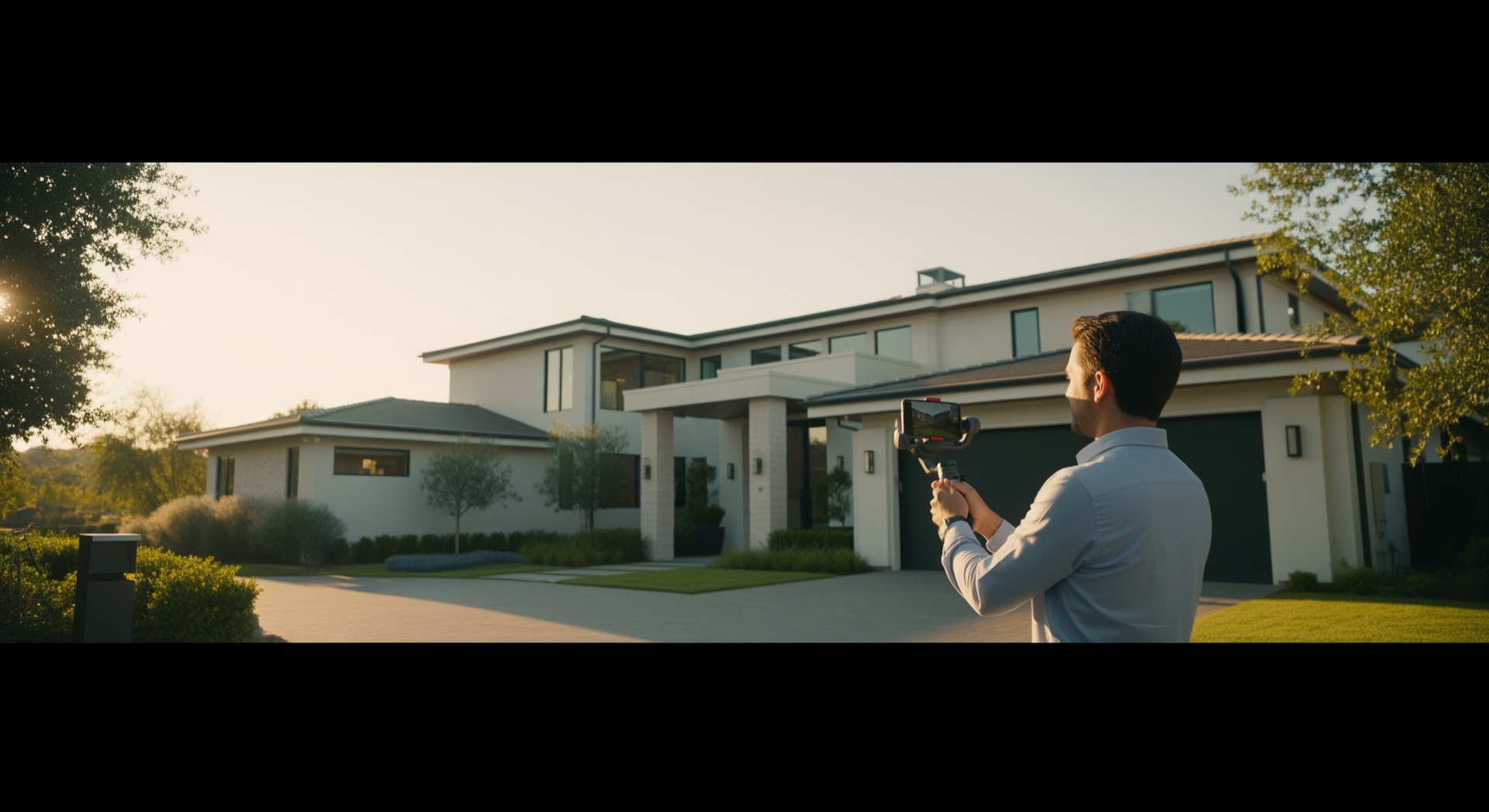
Listings with video receive 403% more inquiries than photo-only listings. Seventy-three percent of homeowners say they prefer to list with an agent who uses video marketing, and agents who adopt video consistently grow revenue 49% faster than peers who don’t. Yet the majority of agents still post only photos.
Buyers scroll past static galleries in seconds. Video keeps them on your listing longer, clarifies layout and flow, and signals to sellers that you invest in modern marketing. In 2026, short-form platforms (Instagram Reels, TikTok, YouTube Shorts) are where many first-time viewers discover properties, not only portal search.
Agents who treat video as optional reserve it for luxury listings. Agents who treat video as infrastructure ship a reel for every address, win more vendor conversations, and answer “how will you market my home?” with proof, not promises.
The bar is lower than ever to produce good-enough video at scale. AI tools turn listing photos into walkthrough-style cuts in minutes. The strategic work is choosing video types, posting consistently, and measuring what drives enquiries.
Seven types of listing videos every agent should know
1. Listing tour video
The core asset: room-to-room motion from your photo set or shoot. Goal: help remote buyers understand layout before a showing. Use on MLS where allowed, listing microsites, email, and paid retargeting.
2. Social short (15–60 seconds)
Vertical, fast-paced, hook in the first two seconds. Goal: stop the scroll and drive profile visits or DMs. Best for just-listed announcements and price improvements.
3. Agent brand video
You on camera (or voiceover) explaining market context, a neighborhood, or a buying tip. Goal: trust and recall so sellers choose you before they need an agent. Post weekly or biweekly on the same channel.
4. Client testimonial video
Short clips from happy sellers or buyers (with permission). Goal: social proof for listing presentations. Even 30 seconds with a name and neighborhood beats a text quote.
5. Neighborhood and lifestyle video
B-roll of cafes, parks, schools, and streets near the listing. Goal: sell the area, not only the walls. Pair with a listing tour for out-of-town buyers.
6. Just listed / just sold announcement
Template-friendly, bold text, key stats (beds, baths, price), and one hero shot. Goal: feed the algorithm and stay visible between listings. Batch these when you use AI from photos so none slip through.
7. Video email and follow-up
A 30-second personalised clip sent instead of a plain-text follow-up email. Record on your phone after a showing, mention the prospect by name, and link to the listing or your calendar. Video emails consistently outperform text-only messages in reply rates, and the watch-tracking data tells you exactly who engaged before you call. Most CRM and email tools support animated thumbnail links that play in the inbox.
Planning your video marketing strategy
Start with one primary channel (usually Instagram or Facebook for most residential agents) and one secondary (YouTube Shorts or email). Posting everywhere without consistency beats posting nowhere.
Per listing checklist:
- Shoot or collect photos with video in mind (wide rooms, clean lines, even light).
- Publish a listing tour within 24–48 hours of going live.
- Cut a vertical social short the same week.
- Add a just-listed story or reel the day of launch.
- Repurpose one clip for a sold celebration when you close.
Monthly cadence for brand:
- Two agent-tip or market-update shorts.
- One testimonial or case study (video or carousel).
- One neighborhood highlight tied to active inventory or farm area.
Budget time, not only money. If manual editing costs three hours per listing, you will skip video on mid-market homes. If AI handles assembly in minutes, video becomes default.
Sample weekly content calendar:
| Week | Content | Format | Channel |
|---|---|---|---|
| Launch day | Listing tour | 16:9, 60–90 sec | MLS, email, listing page |
| Launch day | Just-listed Reel | 9:16, 15–30 sec | Instagram, TikTok |
| Week 2 | Neighbourhood highlight | 9:16, 30–45 sec | Reels, YouTube Shorts |
| Month-end | Market update | 16:9 or 9:16, 60 sec | YouTube, LinkedIn |
| Close | Just-sold celebration | 9:16, 15 sec | Instagram story |
Using AI to produce video at scale
AI real estate video editors accept listing photos and output a composed cut: scene order, Ken Burns or motion effects, transitions, music, and optional voiceover. You review, tweak style if needed, and export.
When AI fits best:
- You have strong stills but no videographer on every shoot.
- Your team lists dozens of properties per month.
- You need vertical and horizontal exports from one upload.
- You want every listing to look professionally marketed without hiring an editor.
When to add human video:
- Ultra-luxury listings where cinematic drone and gimbal footage is expected.
- Agent-to-camera brand pieces where personality is the product.
- Complex commercial or development tours needing custom scripting.
BetterSpace and similar tools sit in the first bucket: repeatable, fast, and aligned with how buyers consume content in 2026. Compare options in our best AI video editor for real estate breakdown.
On cost: AI listing video tools typically run $9–$15 per video (or free on starter tiers), compared with $300–$1,500 per property for a professional videographer. For an agent listing 30 properties per year, AI handles the routine pipeline cheaply while the videographer budget is reserved for flagship listings. If you also factor in three hours of editing time at an opportunity cost of $75/hr, every video you edit manually costs $225 before production expenses.
Distribution: where to post and when
| Channel | Format | Timing |
|---|---|---|
| Instagram / Facebook Reels | 9:16, 15–90 sec | Day of listing + day 3 reminder |
| TikTok | 9:16, hook-first | Same week as listing launch |
| YouTube Shorts | 9:16 | Evergreen discovery; reuse tour clip |
| Listing site / CRM email | 16:9 embed or link | Within 48 hours of photos live |
| 16:9 or native upload | Luxury, commercial, investor audiences |
Video SEO basics
Help buyers find your videos through organic search:
- Titles: Include the property address, suburb, and a buyer-facing phrase (for example, “3-bed Paddington terrace walkthrough — 12 Oxford St”).
- Descriptions: Add suburb, bedroom count, price range, and a 2–3 sentence hook. YouTube and Google index video descriptions.
- Tags: Use neighbourhood, city, state, and “real estate” variants on YouTube uploads.
- Captions and transcripts: Add SRT files or use platform auto-captions. Captions improve accessibility and give search engines more indexable text.
- Video sitemap / schema: For videos embedded on your own website, add a
VideoObjectschema block or a video sitemap entry so Google can surface your content in video carousels.
Always follow MLS and brokerage rules on branding, watermarks, and AI disclosure. When required, label AI-assisted media clearly in descriptions or overlays.
Paid amplification: Retarget website visitors and engagers with 15-second listing clips. Even modest daily budgets on a single listing can lift qualified enquiries in competitive suburbs.
Measuring success: metrics and benchmarks
Track more than views. Tie video to business outcomes:
- Engagement rate on Reels (saves and shares often predict serious buyers).
- Profile visits and DMs in the 72 hours after a listing post.
- Enquiry volume per listing vs. your photo-only baseline.
- Days on market and presentation-to-listing conversion for seller pitches.
Rough benchmarks vary by market, but agents who post listing video consistently often report stronger seller feedback and more second-showings from online leads. Use your CRM to tag leads who mentioned “saw your video.”
Getting started with tracking:
- Set a photo-only baseline: record enquiry volume and days-on-market for your last five listings without video.
- Run video on your next five listings and compare the same metrics.
- Track Reels saves and shares (not just views): saves often indicate serious buyers bookmarking for a revisit.
- Review every 30 days and adjust cadence based on which format and channel drives the most DMs and form fills.
Common mistakes agents make with video
- Waiting for perfect. A good reel this week beats a perfect reel never shipped.
- Only video on luxury listings. Mid-market sellers compare agents; video differentiates you on every price band.
- Silent or music-only with no context. Add text overlays for address, beds/baths, and CTA (book a showing, link in bio).
- Wrong aspect ratio. Cropping a horizontal tour into Reels loses composition; export native vertical.
- Ignoring disclosure. Check MLS and state guidance on AI-generated or enhanced media.
- No CTA. Every clip should tell viewers what to do next.
- Skipping YouTube. Instagram Reels disappear in the algorithm within days. YouTube videos rank in Google search and generate enquiries for months or years. Upload your listing tour and neighbourhood clips as Shorts or full-length videos to build an evergreen search presence.
Your next steps
Pick one listing this week, upload photos to an AI editor, and publish one tour plus one Reel. Add video to your listing presentation slide deck. Review results after 30 days and adjust cadence.
For product-specific questions, visit our FAQ on AI real estate video or try BetterSpace free on your next address.
FAQ
Real estate video marketing, answered
-
Is video marketing worth it for real estate agents in 2026?
Yes. Buyers discover homes on short-form social feeds and expect motion on listings. Video increases engagement, helps remote buyers understand layout, and differentiates you in listing presentations. -
How many videos should I post per listing?
At minimum: one listing tour within 48 hours of launch, one vertical social short the same week, and a just-listed announcement. Add a sold celebration when you close. -
Can AI replace a videographer for every property?
AI from listing photos covers most residential marketing at scale. Ultra-luxury and cinematic brand pieces still benefit from pro shoots and on-camera agent content. -
What is the best platform for real estate video?
Start with Instagram or Facebook Reels for reach, then add YouTube Shorts for discovery. Match format to channel: 9:16 for Reels and Shorts, 16:9 for email and listing pages. -
How do I measure ROI on listing video?
Track enquiry volume per listing, engagement rate on Reels, profile visits after posts, and seller feedback in presentations. Tag CRM leads who mention your video. -
Do I need to disclose AI-generated listing video?
MLS and state rules vary. Follow local requirements for AI-assisted or enhanced media. Ask your broker when disclosure language is unclear. -
Should I upload listing videos to my MLS?
Yes, whenever your MLS supports it. Listings with video rank higher in portal search results on Zillow, Realtor.com, and Redfin. Use an unbranded 16:9 export (most MLS rules prohibit agent branding in media), and keep a branded version for your own social and email use. -
How much does real estate video marketing cost?
AI listing video tools typically run $9–$15 per video, or free on starter tiers. A professional videographer costs $300–$1,500 per property depending on market and scope. Most agents use AI for standard listings and hire a pro for luxury or cinematic brand pieces. Factor in your time: three hours of editing at $75/hr opportunity cost is $225 before any production expense. -
How do I do video SEO for real estate?
Include the property address, suburb, and a buyer-facing phrase in your YouTube and social titles. Write keyword-rich descriptions (suburb, bedroom count, price range). Add captions or SRT files for indexation. For videos on your own site, add VideoObject schema or a video sitemap entry so Google can surface them in video carousels. -
How often should real estate agents post video on social media?
Aim for at least one listing-related post per new property and two brand or market-update videos per month. Consistency matters more than volume: a reliable weekly post outperforms a burst of ten videos followed by silence.