
Complete guide
Full reviews: the best AI video editors for real estate in 2026
In-depth tool reviews, pricing at real volumes, workflow tips, and MLS compliance notes.
How we tested
We tested each tool on the same set of 15 listing photos from a single-family home shoot — 4 exterior shots, 6 interior wide-angles, and 5 detail images. We measured time from upload to exportable video, assessed output quality on motion, scene order, audio quality, and social format availability, and recorded pricing at 1, 5, and 20 videos per month. No tool paid for inclusion or placement in this guide.
Tool reviews
8 AI video editors reviewed in depth
Each tool was tested on the same 15 listing photos. Pros, cons, and verdicts below.

BetterSpace: Best overall for listing agents
- Free plan / from $19/mo (multiple videos)
- Under 5 min
- Free: Yes (1/mo)
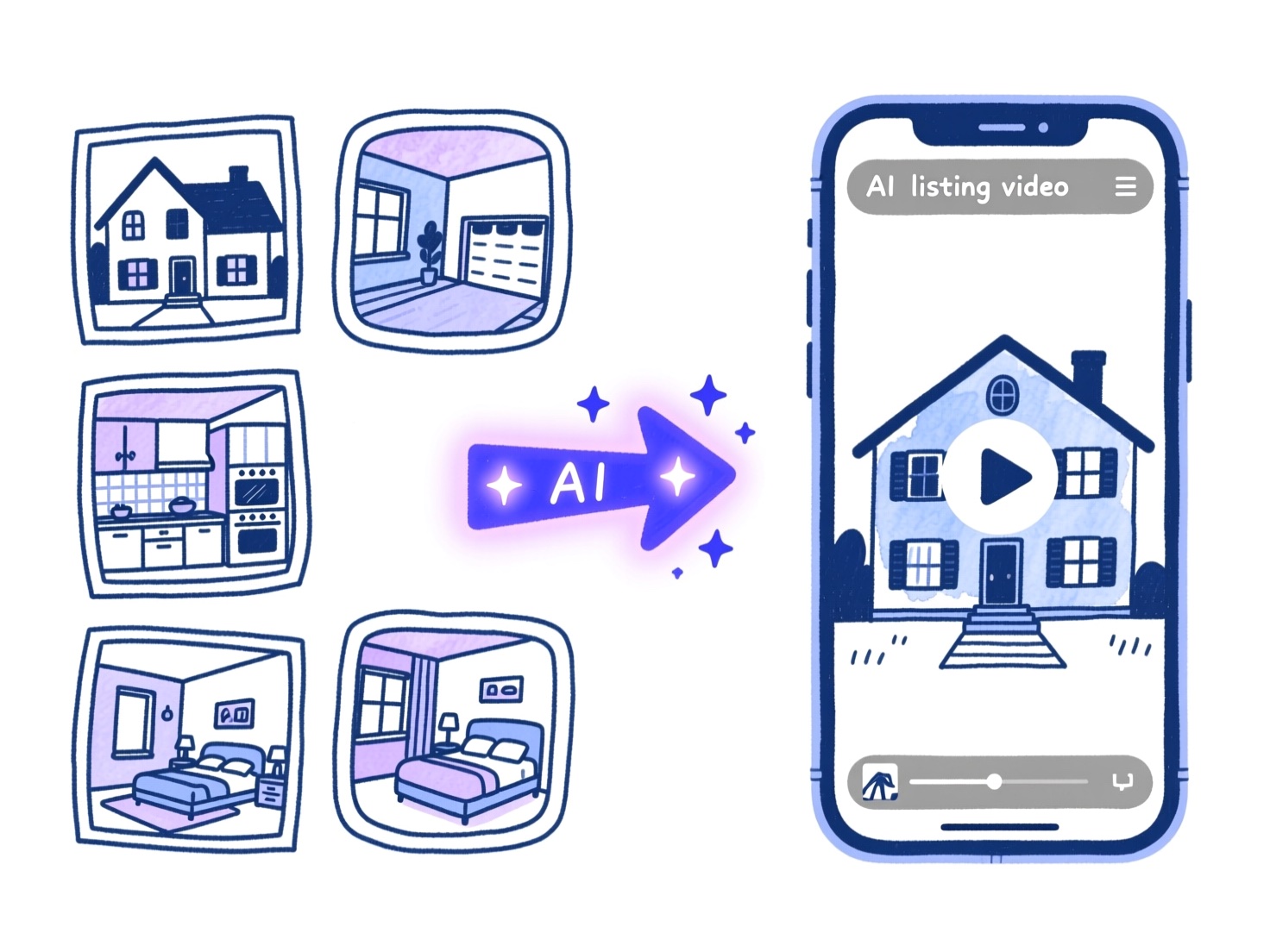
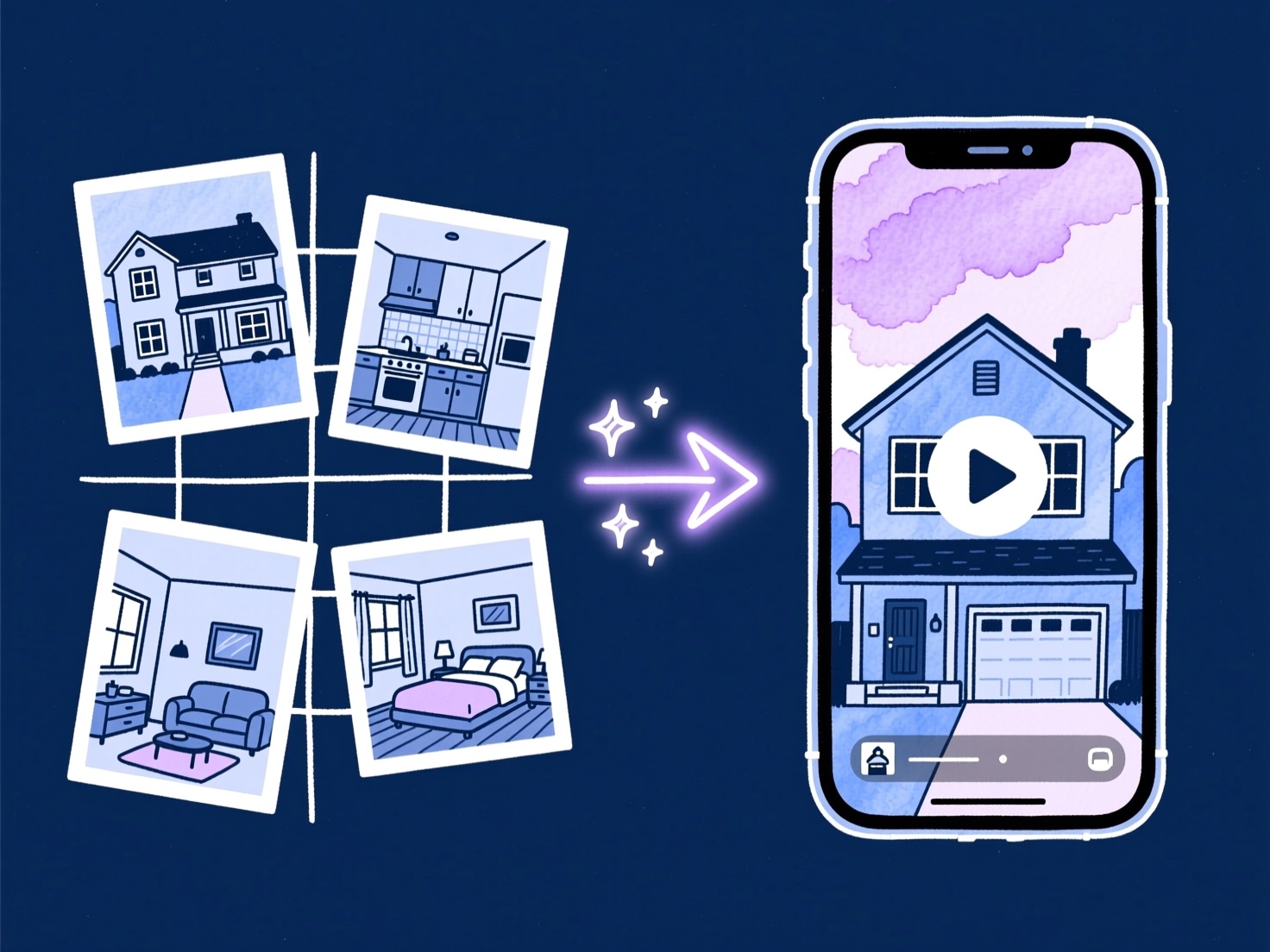
BetterSpace is built from the ground up for one job: turning real estate listing photos into professional social and listing video. There is no generic creator workflow to navigate, no timeline to learn, and no separate export step to manage.
Upload your property gallery, and the AI assembles room-to-room pacing, transitions, music, and optional voiceover automatically. BetterSpace also auto-generates on-screen captions synced to the voiceover so the video is ready for silent viewing without any extra steps. Review the cut and export a buyer-ready video file. The free plan includes one listing video per month with no credit card required. Paid plans start at $19/month.
Best for
Agents and teams who want professional listing video on every address without hiring a videographer or learning an editor.
Pros
- Purpose-built for listing photo workflows
- No timeline editing required
- Widely adopted by listing agents
- Free plan: 1 video per month, no credit card needed
- Paid plans from $19/month
- Voiceover and music included
- Auto-generated on-screen captions synced to voiceover
Cons
- Less granular control than a traditional NLE for cinematic brand pieces
vProp: Full-featured AI generator with portal integration
- From $19/video
- 3-5 min
- Free: 7-day trial
vProp is an AI video platform built for real estate professionals that pulls listing photos directly from Zillow, Redfin, or Realtor.com by address, or you can upload your own gallery. The AI sequences scenes, adds beat-synced music, generates AI voiceover narration describing key property features, and applies branded templates automatically.
vProp also offers voice cloning so your videos feature your own voice, and an AI avatar presenter for agents who want an on-screen presence without filming. Pricing starts at $19 per video, with higher tiers for 4K output, credit rollover, and team seats.
Best for
Agents who want a full-featured tool with MLS auto-pull, AI narration, and the option to appear on screen without filming.
Pros
- Auto-pull listing data from major portals (Zillow, Redfin, Realtor.com)
- AI voiceover with optional voice cloning
- AI avatar presenter option
- Horizontal and vertical exports included
- Captions and subtitles included
Cons
- No permanent free plan (7-day trial only)
- AI avatar feature can look less natural on lower plans
- More features than many agents need
AutoReel: Best budget AI generator
- Free tier / from $30/mo
- 5-15 min
- Free: Free tier
AutoReel targets agents who want automated video at the lowest possible entry price. It offers drone-style flyover simulations from standard listing photos, which no other tool in this roundup replicates, and a free tier for testing.
The trade-off is output consistency: results can vary across different property photo sets. For agents just starting with video or testing whether their market responds to listing video at all, it is a reasonable starting point.
Best for
Agents on a tight budget who want to test video before investing in a premium tool.
Pros
- Lowest starting price in the AI generator category
- Drone flyover simulation from standard photos
- Free tier available
- Paste-a-URL workflow from Zillow/Realtor.com
- Auto-generated social captions per platform
Cons
- Fewer workflow refinements than purpose-built tools

Canva: Best free template option
- Free / $13/mo
- 15-45 min
- Free: Yes
Canva is the most widely used design tool in real estate marketing for a reason: the template library is enormous, the interface is approachable, and the free tier is genuinely useful. For social graphics, open house flyers, and simple animated posts, Canva is excellent.
For listing video specifically, Canva falls short. You are assembling scenes manually, not letting AI structure the tour. Music sync, room-to-room pacing, and MLS-compatible exports require manual effort that adds 20-45 minutes per property. If you already live in Canva and only need occasional listing clips, it works. If video is a regular part of your marketing, the time cost adds up.
Best for
Agents who need a versatile free tool for both graphics and light video work.
Pros
- Free tier with broad template library
- Familiar interface for marketing generalists
- Good for social graphics alongside video
- No per-listing pricing
Cons
- No AI motion or automated scene structure
- Manual assembly required for listing tours
- No built-in MLS-ready export workflow
- 15-45 minutes per video vs. minutes with AI generators

CapCut: Best free editor for short-form creators
- Free
- 20-60 min
- Free: Yes
CapCut has become the default short-form editing app for content creators, and real estate agents who enjoy editing have adopted it. Auto-captions, AI voiceover, trending audio, and a full timeline give you creative control on mobile or desktop for free.
The limitation for property marketing is that CapCut rewards editing skill and time investment. You are building the tour manually: arranging clips, setting transitions, syncing music beats, exporting separately for each platform. For agents who enjoy that process and have 30-60 minutes per listing, CapCut produces polished results. For agents who want automation, it is the wrong tool.
Best for
Agents who enjoy hands-on editing and want maximum control at no cost.
Pros
- Free with strong feature set
- AI auto-captions and voiceover
- Full timeline with trending audio
- Mobile and desktop apps
Cons
- No automation: full manual assembly required
- 20-60 minutes per listing video
- No built-in MLS-compliant export mode
- Steep learning curve for non-editors

Animoto: Most established template platform
- $8/mo
- 15-30 min
- Free: Limited trial
Animoto is one of the oldest video marketing platforms in real estate and has a loyal agent base. The drag-and-drop interface is approachable, pricing starts low, and the platform integrates with several real estate CRMs.
The limitation in 2026 is the lack of AI motion. Animoto produces slideshows with pre-built animation styles, not cinematic property video. Beat sync is limited, and the output quality gap between Animoto and purpose-built AI generators is immediately visible side by side. For agents who need a simple, reliable tool for consistent branded content, Animoto is fine. For agents who want their listings to look like they hired a videographer, it falls short.
Best for
Agents who value simplicity and a proven platform over cutting-edge output quality.
Pros
- Simple drag-and-drop interface
- Established platform with CRM integrations
- Affordable starting price
- Good for branded social content
Cons
- No AI motion (Ken Burns only)
- Output quality noticeably lower than AI generators
- Limited beat-sync capability
- No room-to-room structure automation

InVideo: Best for custom AI-assisted editing
- $25/mo
- 20-45 min
- Free: Free tier
InVideo bridges the gap between template tools and AI generators. It offers AI script writing, stock footage libraries, and a moderately capable editor alongside its template system. The AI features are geared toward text-to-video, which is useful for market update videos and agent brand content but less relevant for listing photo workflows.
For property video specifically, InVideo still requires manual scene assembly from photos. It is better suited to agents who produce a mix of listing content and broader brand videos (market updates, neighborhood guides, agent intro videos) and want one tool for all of it.
Best for
Agents producing a mix of listing video and broader educational or brand content.
Pros
- AI script writing for non-listing video types
- Stock footage library
- Moderate template variety
- Reasonable pricing
Cons
- No automated listing photo-to-video workflow
- Manual assembly for property tours
- 20-45 minutes per listing video

Adobe Premiere Pro: Best professional NLE (not for most agents)
- $23/mo (CC)
- 2-8 hours
- Free: 7-day trial
Premiere Pro is the industry standard for professional video editors. Colorists, cinematographers, and full-time video teams use it for luxury property video because it provides unlimited creative control. For real estate agents, it is almost certainly the wrong tool.
The learning curve is steep, the workflow is complex, and each listing video takes hours rather than minutes. At $23/month through Creative Cloud, the software cost is reasonable, but the time cost is not. Agents who hire a freelance editor to cut their listing video in Premiere Pro are essentially choosing the traditional production model. If that is your approach, a purpose-built AI generator will still handle most of your volume faster and at lower cost per listing.
Best for
Full-time video teams at large brokerages with dedicated post-production resources.
Pros
- Unlimited creative control
- Industry-standard color grading and effects
- Best output quality when operated by a skilled editor
- Integrates with full Adobe ecosystem
Cons
- 2-8 hours per listing video
- Steep learning curve requiring significant practice
- Not practical for agents without editing background
- Requires specialist knowledge for MLS-compliant exports
