What Is the Best Real Estate Listing Video Length for Instagram Reels, MLS, and YouTube?
Use the right listing video length for each platform, with practical scripts, export specs, and photo-led production guidance.
· Sophie
Listing Videos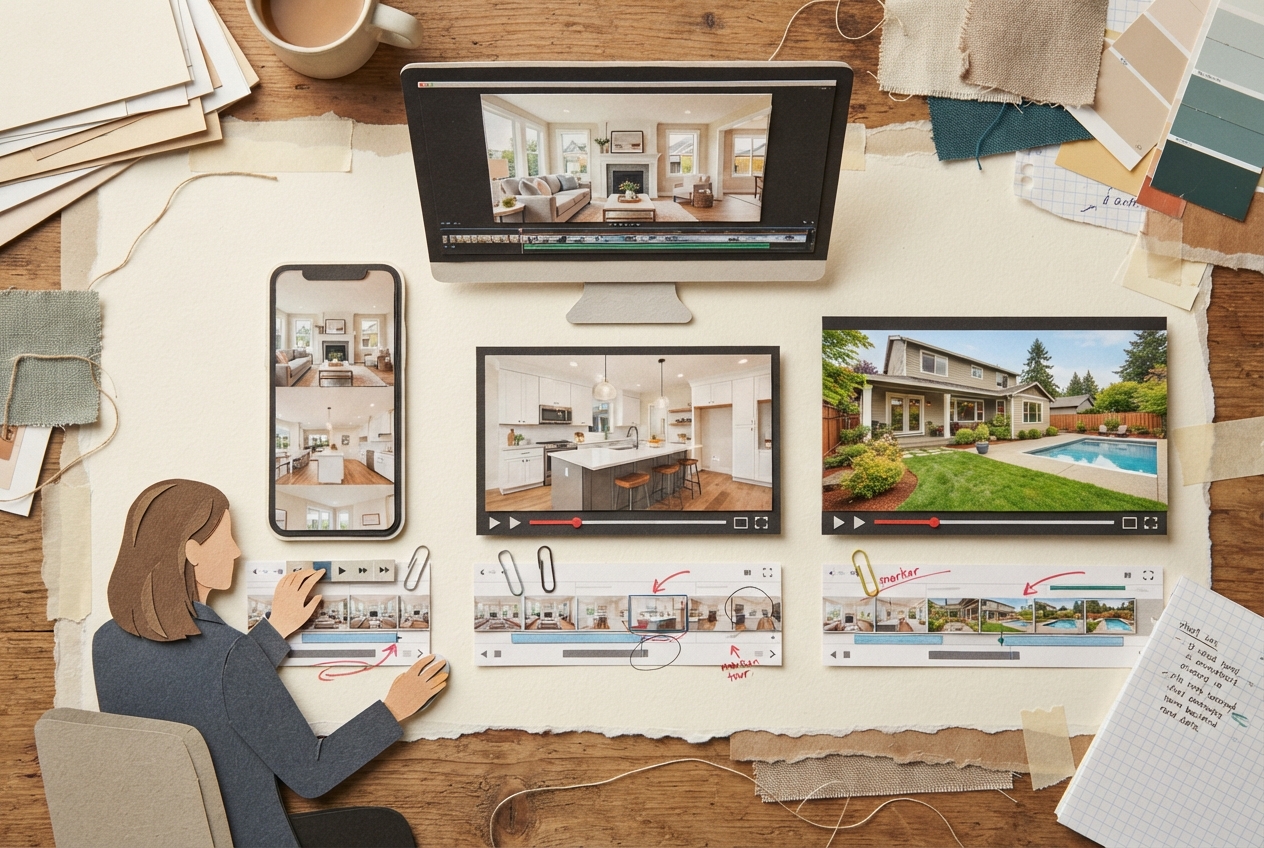
What Is the Best Real Estate Listing Video Length for Instagram Reels, MLS, and YouTube?
The best real estate listing video length depends on where the video will live, not on a single universal runtime. Use 20 to 45 seconds for Instagram Reels, 45 to 90 seconds for an MLS listing video, and 2 to 4 minutes for a full YouTube property tour. The footage can come from the same photo set, but the edit, pacing, aspect ratio, and opening hook should change by platform.
That distinction saves a lot of rework. Agents often create one polished 90-second vertical video, then try to make it serve every destination. It usually feels too long in a Reel, too narrow for an MLS embed, and too slight for YouTube. Start with the property facts and photos, then produce platform-specific cuts from one approved source sequence.
The best real estate listing video length by platform
Here is the practical answer for most listings:
| Platform | Recommended length | Best format | What the viewer needs most |
|---|---|---|---|
| Instagram Reels | 20 to 45 seconds | 9:16 vertical | A fast visual reason to stop and inquire |
| MLS | 45 to 90 seconds | 16:9 horizontal | A clear, accurate preview of the home |
| YouTube full tour | 2 to 4 minutes | 16:9 horizontal | Room-by-room context and property flow |
| YouTube Short | 30 to 60 seconds | 9:16 vertical | A concise teaser that leads to the full tour |
These are working ranges, not hard rules. A compact condo with six strong photos may be better at 30 seconds than at 75. A waterfront property, acreage listing, or home with a guest house may justify a longer YouTube walkthrough because viewers need context that a highlight reel cannot provide.
The test is simple: every second should either establish location and identity, reveal a real feature, or help the viewer understand how the property lives. If a shot repeats that job, cut it.
Why one listing needs more than one runtime
Platform behavior shapes the edit. On Reels, a viewer decides in roughly the first second whether to keep watching. Lead with the strongest truthful visual: a dramatic exterior, a bright kitchen, a view, a pool, or a living room that clearly communicates the home’s style. Do not spend the opening five seconds on a logo animation, a slow title card, or a generic aerial shot that could belong to any address.
MLS viewers behave differently. They are already evaluating the listing, often after scanning photos, price, beds, baths, and map location. The MLS video should orient rather than tease. A 60-second cut can move from exterior to main living area, kitchen, primary suite, secondary spaces, and outdoor area with enough time for the home to make sense.
YouTube rewards a more complete experience. A buyer relocating from another market may use a two- or three-minute tour to answer questions that photos leave open: Is the kitchen connected to the family room? How large does the primary bedroom feel? Is there a usable backyard beyond the pool? That calls for slower transitions and better room sequencing, not simply stretching a Reel.
Script the runtime before you edit the photos
A listing video script is a timing map. It tells you which real images appear, in what order, and what claim each image supports. For photo-based video, scripting first also prevents a familiar problem: asking the edit to fill time with repeated images, vague copy, or visual details that are not shown in the listing photos.
For a 30-second Reel, use six to nine distinct visual beats. That can mean a new image every three to four seconds, with a few shorter cuts early on. A practical structure looks like this:
- 0 to 3 seconds: The strongest verified visual and a direct identifying line, such as “Light-filled four-bedroom home with a private backyard.”
- 3 to 14 seconds: Two or three high-impact selling points shown in the photos, such as the kitchen, open living area, and primary suite.
- 14 to 24 seconds: Supporting spaces or lifestyle features, such as a home office, covered patio, view, or pool.
- 24 to 30 seconds: Exterior, address area if appropriate, and a clear next step.
For a 60-second MLS cut, give each major area room to land. A useful pattern is 5 seconds for the exterior, 12 seconds for main living spaces, 10 seconds for the kitchen, 10 seconds for the primary suite, 12 seconds for secondary rooms, 8 seconds for outdoor space, and 3 seconds for the close. You do not need narration for every transition. Clean on-screen captions can do the work, as long as they match the photos and listing data.
For a three-minute YouTube tour, think in chapters rather than individual selling points. Open with the exterior and a concise property overview. Then follow a believable path through the home: entry, living spaces, kitchen, dining, primary suite, secondary bedrooms or flexible rooms, and exterior. If the home has a detached studio or a meaningful lot feature, introduce it where it makes spatial sense.
Photo selection controls both length and accuracy
More photos do not automatically make a better listing video. They can make it harder to maintain a coherent narrative, especially when multiple angles show the same room. A 45-second video built from 10 clearly differentiated photos usually feels more confident than a 75-second video padded with 22 near-duplicates.
Choose images that establish the actual home: one or two exteriors, the strongest angle of each principal room, bedrooms only when they are distinct or marketable, bathrooms where finish or scale matters, and outdoor spaces that buyers will use. For a Reel, prioritize the images with immediate visual impact. For MLS and YouTube, add photos that explain layout and function.
This is also where BetterSpace_2 takes a disciplined approach to AI listing video generation. The system works from the actual listing photos and property details you provide. It does not need to invent a room to create motion, insert a fireplace that was never photographed, alter a floor plan, or turn a modest yard into a resort scene. That fidelity matters more than visual novelty. A short video that accurately reflects the home creates a cleaner handoff to the photo gallery, showing schedule, and in-person tour.
Photo preparation supports that accuracy. Remove duplicate uploads, label ambiguous spaces when needed, and do not include inspiration images, virtually unrelated stock images, or photos from another unit. If the source material is unclear, any automated workflow has less reliable evidence to work from. Clear inputs produce a cleaner sequence and fewer corrections.
Export specs for real estate listing videos
A good edit can still look amateur if it is exported in the wrong shape or compressed too aggressively. Use these settings as your default delivery checklist.
Instagram Reels
Export a 1080 x 1920 pixel vertical video in a 9:16 aspect ratio. MP4 with H.264 video encoding and AAC audio is a dependable choice. Thirty frames per second works well for photo-based motion; 24 fps can work too, but keep the frame rate consistent throughout the project.
Keep captions and address details away from the top and bottom edges. Instagram interface elements can cover that space. Review the uploaded Reel on a phone before publishing, particularly if your text sits near the lower third.
MLS video
Export a 1920 x 1080 pixel horizontal video in a 16:9 aspect ratio, usually as an MP4 using H.264. MLS rules vary by market and vendor. Some accept a video file, some require a hosted video link, and some limit branding, contact information, music, or text overlays. Check the current rules for your MLS before finalizing the version.
For the MLS cut, legibility beats visual flourish. Use restrained transitions, readable captions, and a pace that lets a buyer register what is on screen. Avoid vertical footage placed inside wide black bars. It looks like an afterthought and wastes useful screen area.
YouTube
For a standard property tour, export 1920 x 1080 pixels at 16:9 as an MP4 with H.264. A 4K export can be useful when your original media supports it, but it is not a requirement for an effective listing tour. Clear photos, logical sequencing, and accurate captions matter more than a larger file.
If you are making a YouTube Short from the same listing, use the Reel-style 1080 x 1920, 9:16 export. Treat it as a separate teaser. A 45-second Short can point viewers toward the full horizontal tour without trying to duplicate it.
Build one source sequence, then make three purposeful cuts
The shortcut is not producing three unrelated videos. It is building one verified source sequence and adapting it with intent.
Start by approving the photo order and the factual claims. Confirm the bed and bath count, major amenities, location language, and any feature you plan to mention. Then make the 60- to 90-second horizontal master. From that, tighten a vertical Reel around the strongest moments and expand a YouTube tour only where the property has enough visual material to support it.
BetterSpace_2 is useful here because it can turn approved listing photos into a finished video in minutes while keeping the property representation grounded in those inputs. For an agent, that reduces the bottleneck between receiving photos and publishing a usable marketing asset. The free plan includes one video per month, while paid plans begin at $29 per month, which makes it practical to test the workflow on a live listing before standardizing it.
Use the shortest version that tells the truth well
There is no prize for making a listing video longer. The best real estate listing video length is the shortest runtime that gives the right viewer a clear, accurate understanding of the property for that platform.
Use 20 to 45 seconds to earn attention on Instagram Reels. Use 45 to 90 seconds to give MLS viewers a factual visual preview. Use two to four minutes on YouTube when the home has enough depth, layout, or setting to reward a fuller tour. Start with accurate photos, write only what those photos and listing details support, and let the platform determine the cut.